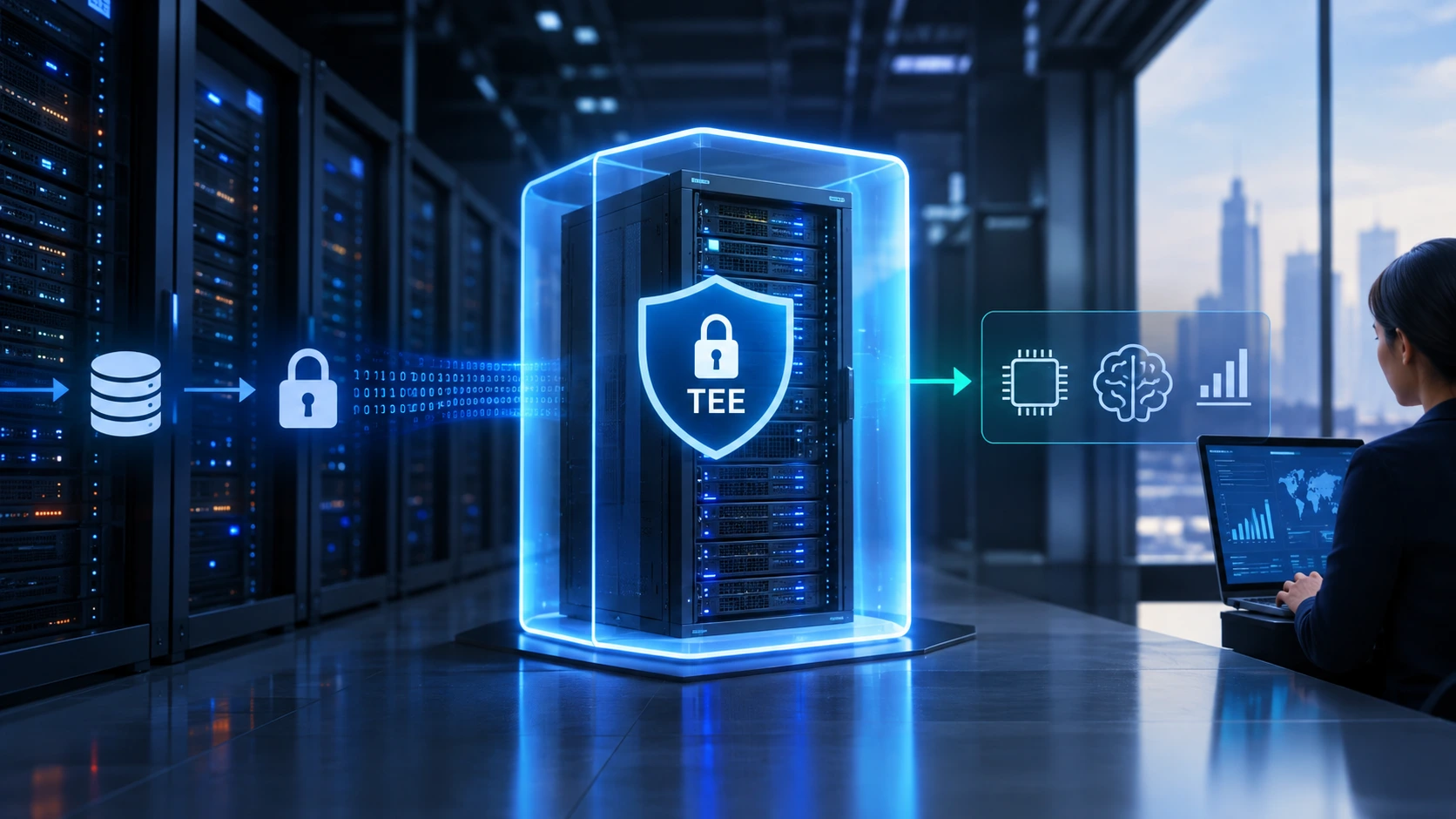
Most organizations already encrypt their data when it is stored and when it travels across a network. Far fewer protect it while a server is actually working on it. Confidential computing closes that gap. It uses hardware-based trusted execution environments (TEEs) to keep data and code encrypted and isolated even while the processor is using them, so the host operating system, the hypervisor and even a privileged administrator cannot read them.
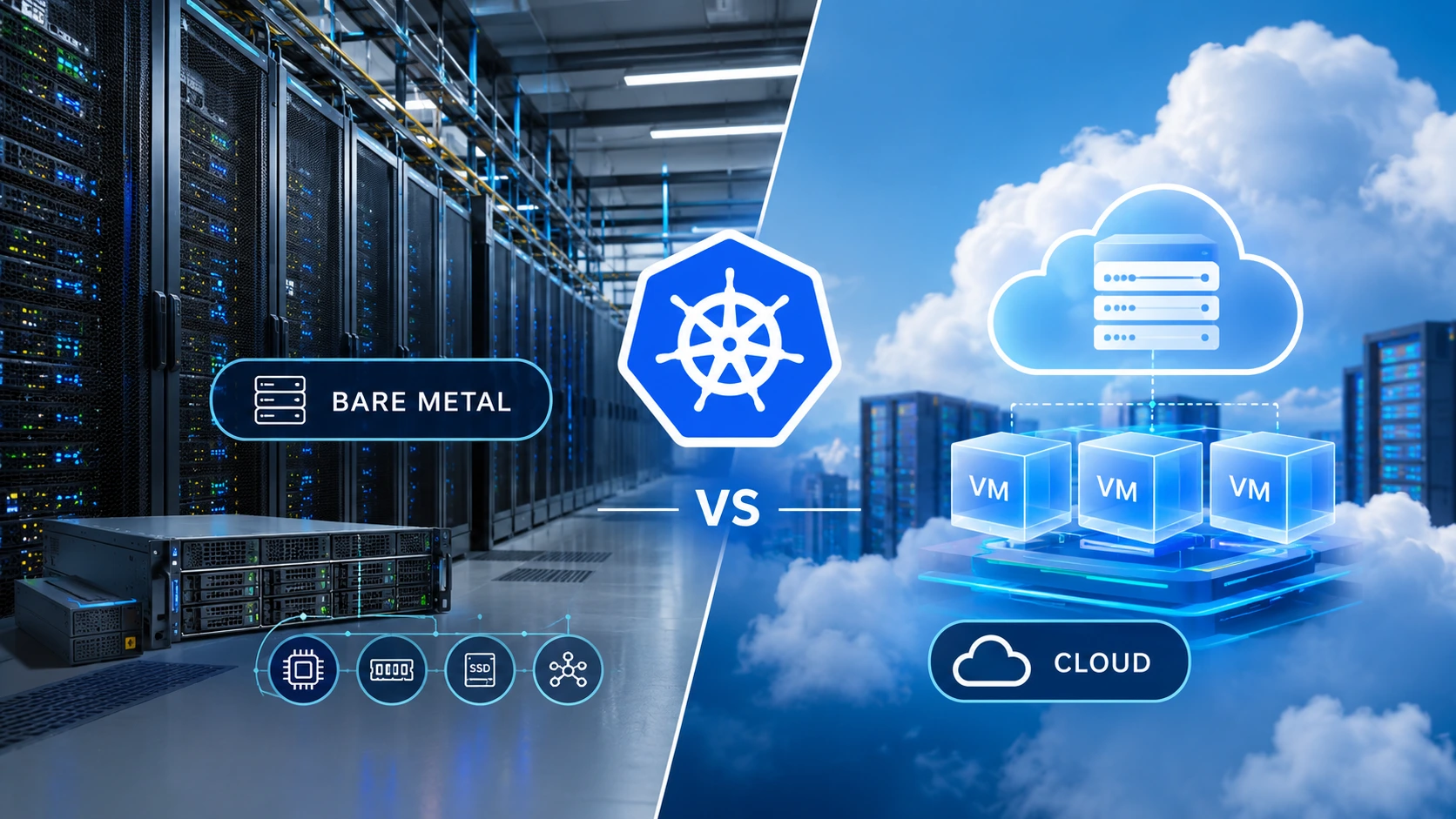
Bare metal dedicated servers are one of the most direct ways to run confidential computing. You own the whole machine, you control the firmware and hypervisor settings, and no other tenant shares your hardware. This guide explains how TEEs work, compares the main technologies (AMD SEV-SNP, Intel TDX and SGX, and NVIDIA confidential GPUs), shows where they fit, and gives you an honest view of what they do and do not protect.
Key takeaways:
-
Confidential computing protects data in use, the third state that traditional encryption leaves exposed.
-
It relies on hardware TEEs built into modern server CPUs and some GPUs, not on software alone.
-
Remote attestation lets you verify that a workload runs on genuine, unmodified, protected hardware before you release secrets to it.
-
A bare metal dedicated server gives you full control of BIOS settings, hypervisor and kernel, which are the layers confidential computing depends on.
-
TEEs reduce risk but do not remove it. They do not fix application bugs, and researchers continue to find side-channel and physical attacks.
What Is Confidential Computing?
Confidential computing is a security approach that protects data while it is being processed, using a hardware-based, attested trusted execution environment. The Confidential Computing Consortium, a project of the Linux Foundation, defines it as the protection of data in use by performing computation in such an environment.
To see why that matters, consider the three states of data:
| State of data | Typical protection | Remaining exposure |
|---|---|---|
| At rest (on disk) | Disk or file encryption | Protected |
| In transit (on the network) | TLS, VPN, IPsec | Protected |
| In use (in memory and CPU registers) | Historically none | Readable by privileged software, memory dumps, a compromised hypervisor or a malicious insider |
Before processing, data has to be decrypted in memory. Anyone with enough privilege on the host can potentially read it there. Confidential computing encrypts that memory with keys held inside the processor, so the data stays protected even during computation.
How a Trusted Execution Environment (TEE) Works
A TEE is a hardware-isolated area of a processor where code and data are protected from the rest of the system. Four building blocks make it work:
-
Memory encryption. A dedicated engine in the CPU's memory controller encrypts data as it leaves the processor and decrypts it on return. The keys never leave the processor's secure hardware, so the operating system and hypervisor never see them.
-
Isolation. The CPU blocks the host software from reading or modifying the protected memory. On newer technologies, it also detects tampering, such as replay or remapping of encrypted pages.
-
Measurement. At launch, the hardware records a cryptographic measurement (a hash) of what was loaded: firmware, boot code and the workload itself.
-
Remote attestation. The hardware signs that measurement and the CPU's identity into an attestation report. A remote verifier checks the signature against the vendor's certificate chain, confirms the workload is what you expect, and only then releases secrets such as decryption keys.
Attestation is what turns "trust me" into "verify me." Without it, you would still be taking the environment's security on faith.
The Main Confidential Computing Technologies
Different technologies protect different units, and the right one depends on your workload.
| Technology | Vendor | What it isolates | Typical hardware | Best for |
|---|---|---|---|---|
| SEV-SNP (Secure Encrypted Virtualization with Secure Nested Paging) | AMD | A whole virtual machine (confidential VM) with memory integrity protection | AMD EPYC 7003 series and newer | Running existing VM workloads with little or no code change |
| TDX (Trust Domain Extensions) | Intel | A whole virtual machine (trust domain) | Recent Intel Xeon Scalable generations (confirm the exact SKU) | Same use cases as SEV-SNP on Intel platforms |
| SGX (Software Guard Extensions) | Intel | A small application enclave inside a process | Supported Intel Xeon processors | Protecting small pieces of code and keys, with a very small trusted computing base |
| NVIDIA Confidential Computing | NVIDIA | GPU memory and the data path between CPU and GPU | Hopper (H100) and newer data-center GPUs | Private AI training and inference |
| Arm CCA | Arm | A "realm" virtual machine | Armv9 servers | Emerging option for Arm-based infrastructure |
VM-level vs enclave-level. SEV-SNP and TDX protect a full virtual machine, so you can run a normal Linux workload with minimal changes. SGX protects only a small enclave inside an application, which means a smaller attack surface but significant code changes, often using frameworks such as Gramine.
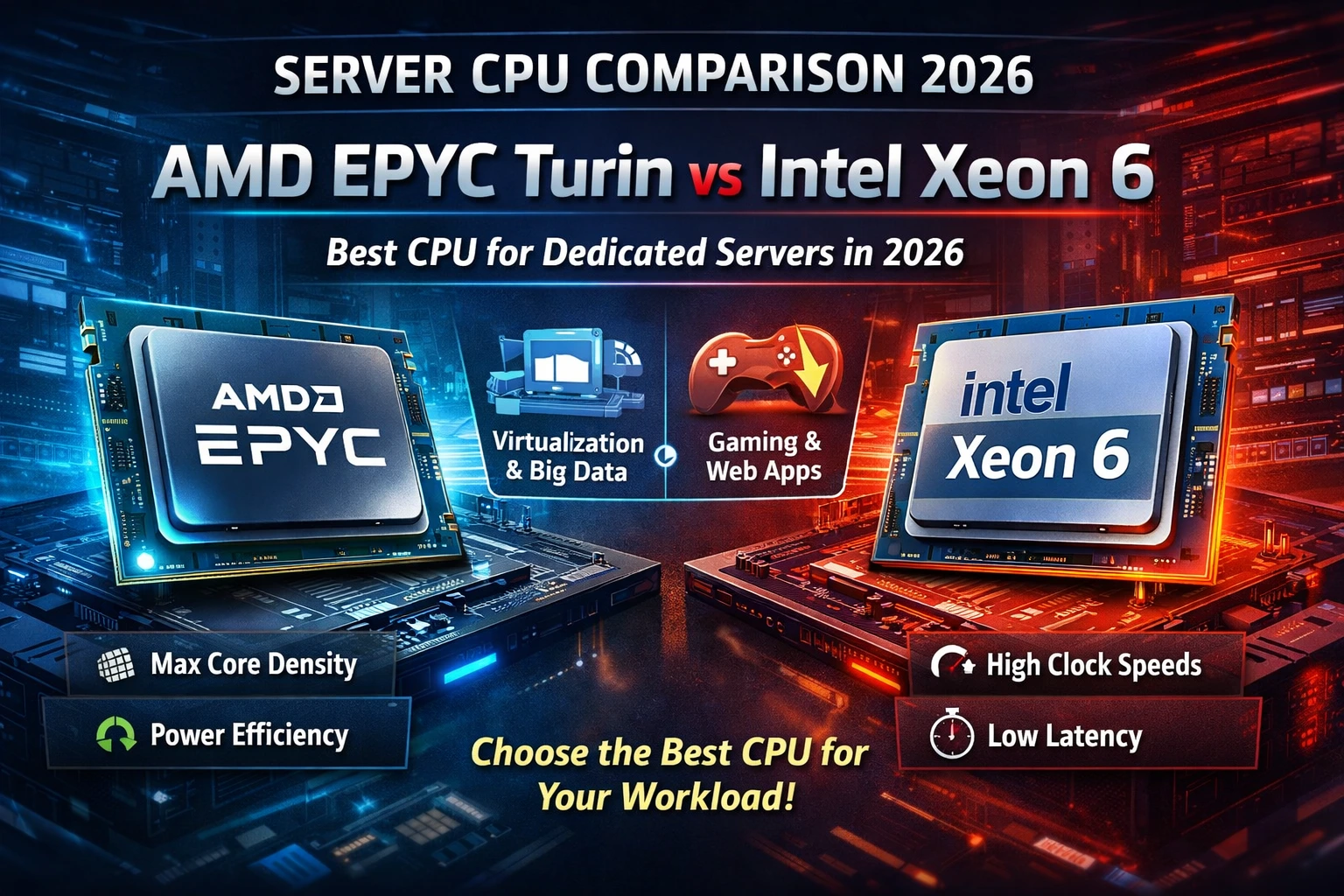
If you are planning around AMD hardware, our comparisons of AMD EPYC Turin vs Genoa and AMD EPYC Turin vs Intel Xeon 6 show how current server CPU generations differ. SEV-SNP is an EPYC feature, so consumer-class processors are not an equivalent substitute. Our Ryzen vs EPYC guide explains that gap in more detail.
Why Run Confidential Computing on Bare Metal Dedicated Servers?
You can use TEEs in public cloud instances, but bare metal dedicated servers offer advantages that matter for security-focused teams.
-
Full control of the trust stack. You choose the hypervisor (such as KVM/QEMU), the host kernel and the firmware settings. In a multi-tenant cloud, the provider makes those choices for you.
-
Single tenancy. No other customer's workloads share your hardware, which removes a whole category of cross-tenant concerns.
-
Firmware and BIOS access. Confidential computing features must be enabled in the BIOS and need current firmware. A dedicated server lets you manage both, or work with your provider to do so.
-
Predictable performance. Memory encryption adds some overhead, and you do not want virtualization noise on top of it.
-
Cost predictability for sustained workloads. Always-on secure analytics or inference usually costs less on a fixed-price dedicated server than on hourly instances.
-
Data location control. You choose the country and facility, which supports data residency requirements. For European workloads, see our dedicated servers in Frankfurt and our overview of the best dedicated servers in Germany.
A realistic caveat: Host-side support for confidential VMs has been developing quickly across the Linux kernel, QEMU and virtualization tools. It works, but it is not yet as turnkey as installing a standard hypervisor. Plan time for testing, and check the current upstream status of the features you need.
Real-World Use Cases
Private AI training and inference
Model weights and training data are valuable and often sensitive. Combining a CPU TEE with a confidential-computing-capable NVIDIA GPU lets you run inference or fine-tuning where neither the host nor other parties can inspect the model or the prompts. Our GPU dedicated server hosting guide covers hardware options, and our guide to self-hosting an LLM on a dedicated server shows the deployment side.
Regulated industries
Financial services, healthcare and legal teams handle data with strict confidentiality requirements. Processing it inside a TEE reduces the number of people and systems that could expose it.
Multi-party analytics and data clean rooms
Several organizations can compute on combined data without any of them seeing the others' raw inputs. Attestation proves that only the agreed code ran.
Key management and secrets
Signing keys, payment tokens and encryption keys can live inside an enclave or confidential VM, away from the general-purpose operating system.
Sovereign and regulated workloads
Organizations with data-residency or sovereignty goals can combine in-country dedicated hosting with TEEs to restrict access, including by the infrastructure operator.
What Confidential Computing Does Not Do
Honest security content builds trust, and TEEs are often oversold. Keep these limits in mind:
-
It does not fix vulnerable applications. A bug in your code runs just as insecurely inside a TEE.
-
It is not a compliance guarantee. TEEs can support requirements under frameworks such as GDPR or HIPAA, but they do not make a workload compliant by themselves.
-
It does not eliminate side-channel or physical attacks. Researchers have repeatedly demonstrated side-channel techniques and, more recently, physical attacks using memory-bus interposers against some TEE designs. These raise the cost for an attacker but are not impossible. Keep firmware current and follow vendor security advisories.
-
It adds overhead. Memory encryption and attestation have a cost. For many workloads the impact is modest, but it varies, especially for I/O-heavy or GPU-heavy tasks, so benchmark your own workload.
-
It requires trust in the silicon vendor. Attestation ultimately rests on the CPU or GPU manufacturer's keys and certificates.
-
Setup is not trivial. Misconfigured attestation, where secrets are released without properly verifying the report, defeats the purpose.
Confidential computing works best as one layer in a defense-in-depth design, alongside strong access control, patching and monitoring. Our dedicated server hardening checklist covers the baseline every server should meet first.
Confidential Computing vs Other Data Protection Methods
| Method | Protects | Strengths | Limits |
|---|---|---|---|
| Disk and file encryption | Data at rest | Mature, fast, simple | Data is exposed in memory during processing |
| TLS / VPN | Data in transit | Standard and universal | Does not protect data after decryption |
| Hardware security module (HSM) | Keys and small cryptographic operations | Very strong key protection | Not designed for general computation |
| Confidential computing (TEE) | Data and code in use | Runs general workloads with hardware isolation | Hardware dependence, some overhead, side-channel research |
| Homomorphic encryption / MPC | Data during computation, cryptographically | No hardware trust needed | Far slower and limited in practice for most workloads |
TEEs sit in the practical middle: stronger than software isolation alone, and far faster than fully cryptographic approaches.
How to Prepare a Bare Metal Dedicated Server for Confidential Computing
The exact steps depend on your CPU, kernel and hypervisor versions, so treat this as a planning outline and follow vendor documentation for each step.
-
Choose supported hardware. Confirm the CPU generation and SKU support the feature you want (SEV-SNP or TDX), and that any GPU supports confidential computing mode.
-
Update firmware. Current BIOS, microcode and platform firmware matter for both functionality and security fixes.
-
Enable the features in BIOS. These typically include secure memory encryption, the confidential VM feature itself and IOMMU, with exact option names varying by vendor.
-
Use a recent host kernel and hypervisor. Support has been landing across recent Linux, QEMU and libvirt releases. If you want a managed virtualization layer, our Proxmox VE on a dedicated server tutorial is a starting point for the platform side, but check whether your version supports confidential VMs.
-
Verify the feature is active. After boot, check kernel messages and virtualization parameters to confirm the CPU feature is enabled. For example, search dmesg for SEV or TDX messages.
-
Build a confidential VM image and launch it with the confidential-computing options enabled.
-
Set up attestation. Use a verifier and key-release process so secrets are only delivered after the attestation report is validated against the vendor's certificates and your expected measurements.
-
Secure the host and the data around it. Apply hardening, restrict management access and keep encrypted backups.
-
Benchmark and monitor. Compare performance with and without the TEE, and track firmware advisories.
For containers, projects such as Confidential Containers and Kata Containers extend the same hardware protection to Kubernetes-style workloads. They are worth evaluating if you already run containerized services.
How to Choose the Right Dedicated Server
Ask these questions before you order:
-
Which TEE do I need? VM-level (SEV-SNP or TDX) or enclave-level (SGX)?
-
Does the exact CPU model support it? Not every SKU in a family includes every feature.
-
Do I need a GPU? If so, confirm confidential computing support on the GPU model, plus enough CPU TEE support to pair with it.
-
How much memory do I need? Encrypted VMs still need memory sized for the workload. See how much RAM a dedicated server needs.
-
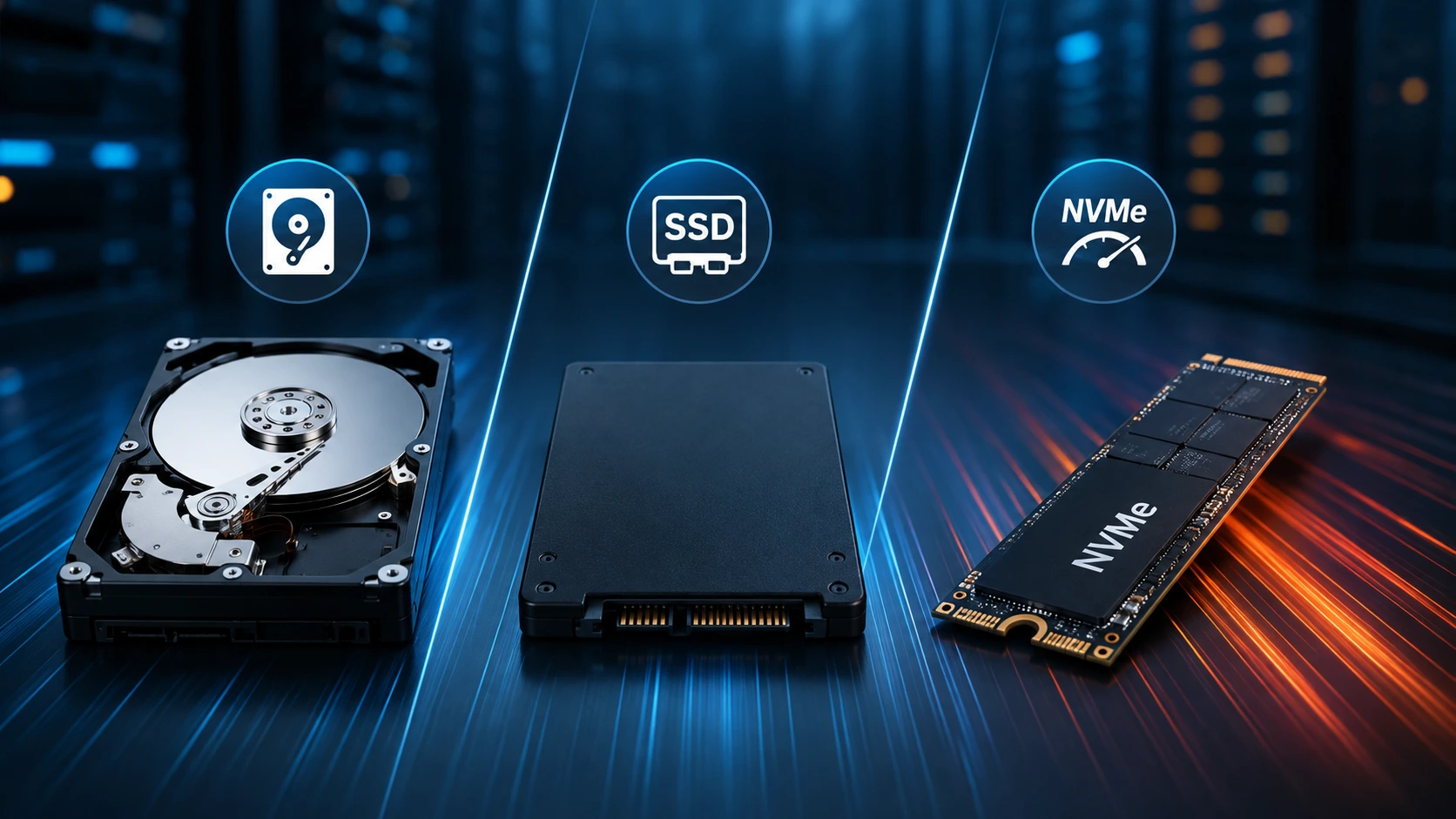
What storage and network do I need? Fast NVMe helps, as covered in our storage comparison. Heavy data movement may call for a 10 Gbps dedicated server.
-
Where must the data live? Choose a location that fits your residency and latency needs.
-
Can the provider support BIOS and firmware changes? This is essential for enabling and updating TEE features.
-
Do I need DDoS protection? Public-facing services should consider DDoS-protected dedicated server providers.
Conclusion
Confidential computing finally gives teams a practical way to protect data in use, not just at rest and in transit. Hardware TEEs such as AMD SEV-SNP, Intel TDX and confidential NVIDIA GPUs, combined with remote attestation, let you run sensitive workloads on infrastructure you do not have to fully trust. Bare metal dedicated servers add the control that makes this approach strongest: single tenancy, direct firmware and hypervisor access and a fixed-cost platform for always-on workloads.
Start with the threat you want to reduce, choose the technology that matches, verify it with attestation and layer it with standard security practice. When you are ready to compare hardware, explore KW Servers dedicated servers and our GPU server options.
This guide is reviewed and updated as new CPU, GPU and kernel support and security research emerge. Technology names, hardware generations and support status change quickly, so verify details against vendor documentation before deploying to production.
Frequently Asked Questions
What is confidential computing in simple terms?
Confidential computing protects your data while a computer is actively using it. Special processor hardware encrypts and isolates the memory, so even the host operating system or an administrator cannot read it.
What is a trusted execution environment (TEE)?
A TEE is a hardware-protected area of a processor where code and data run isolated from the rest of the system. It provides memory encryption, isolation and a way to prove, through attestation, what is running inside.
Does confidential computing work on bare metal servers?
Yes. AMD SEV-SNP, Intel TDX and Intel SGX all run on physical servers, and bare metal gives you direct control over the firmware, hypervisor and hardware settings that these features depend on.
What is the difference between SEV-SNP and Intel TDX?
Both protect a whole virtual machine using hardware memory encryption and isolation. SEV-SNP is AMD's technology for EPYC processors, and TDX is Intel's for recent Xeon processors. The best choice usually follows your CPU platform and software support.
What is remote attestation?
Remote attestation is the process where the hardware produces a signed report describing what is running. A verifier checks it and releases secrets only if the environment is genuine and matches expectations.
Does confidential computing slow down my server?
There is some overhead from memory encryption and integrity checks. For many workloads it is modest, but results vary, so test your own application before deploying.
Can I use confidential computing for AI workloads?
Yes. Pairing a CPU TEE with a GPU that supports confidential computing mode, such as NVIDIA Hopper or newer data-center GPUs, lets you protect models and data during training and inference.
Is confidential computing the same as encryption?
No. Encryption normally protects data at rest and in transit. Confidential computing adds protection while data is in use in memory.
Does it make me compliant with GDPR or HIPAA?
Not automatically. It can strengthen your technical safeguards and support compliance, but regulations also require policies, access controls, documentation and more.