Quick Answer: In 2026, self-hosters are leaving cloud-reliant Plex setups behind and moving toward Jellyfin on dedicated servers, driven by rising subscription costs, privacy concerns, and the need for full hardware control. This guide breaks down exactly why and how a dedicated server changes the entire media hosting experience.
The Self-Hosting Shift: What's Changing in 2026
Something significant is happening in the self-hosting community. Forums like Reddit's r/selfhosted, r/PleX, and r/jellyfin are seeing a steady stream of posts from users migrating away from Plex, not because Plex is broken, but because the expectations of power users have fundamentally changed.
In 2026, self-hosting a media server is no longer a niche hobby for Linux enthusiasts. It has become a deliberate infrastructure decision made by thousands of users who want:
-
Complete ownership of their media library
-
Zero dependence on third-party authentication servers
-
Hardware-level transcoding without paying a premium
-
Privacy-first streaming with no data collection
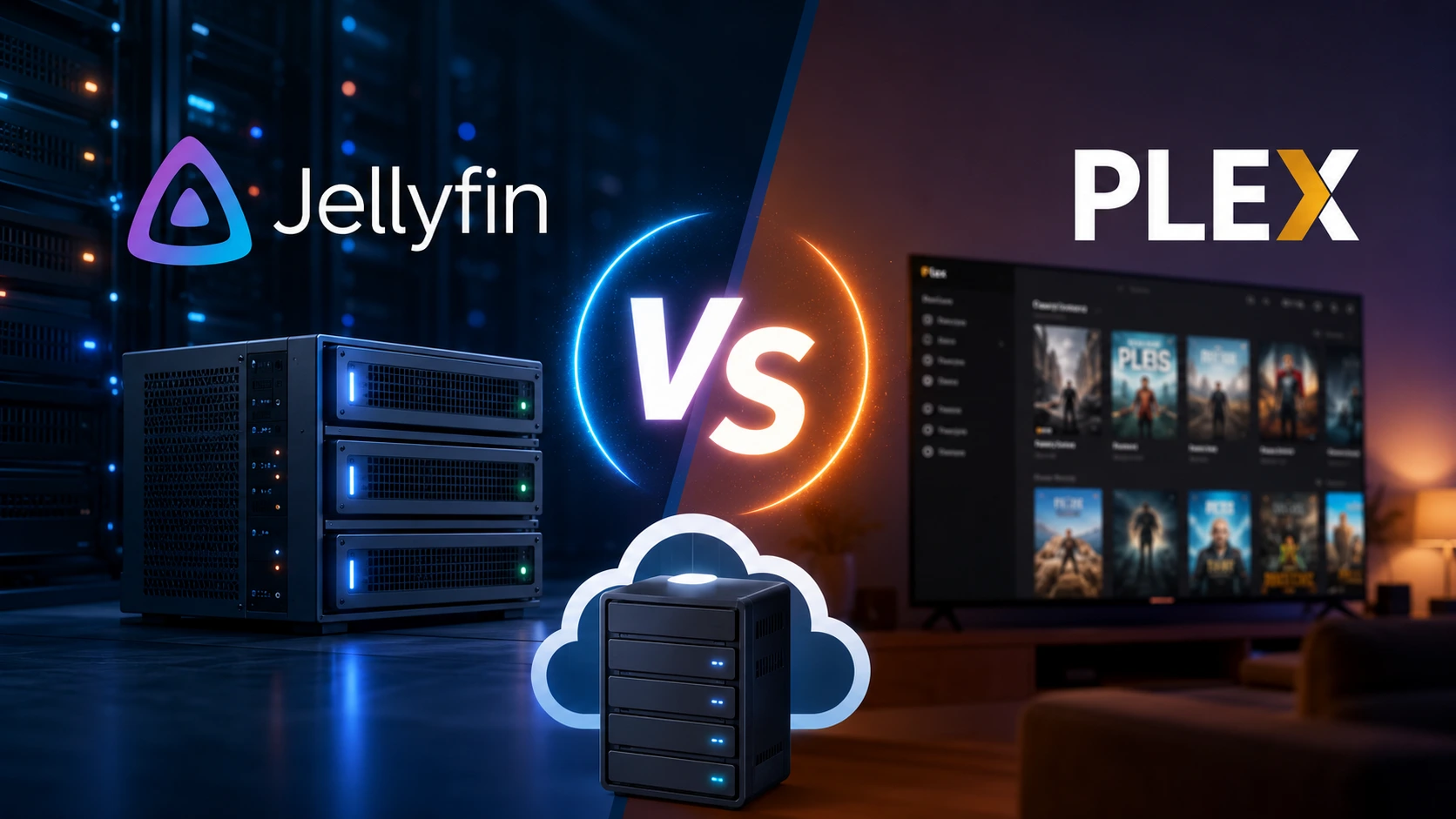
At the heart of this shift are two competing platforms, Jellyfin and Plex, and the infrastructure choice that defines how well either one actually performs: whether you run it on a dedicated server, a VPS, a NAS, or a home machine.
This guide exists to give you a clear, honest, technically grounded comparison, written for the person who wants to make the right decision, not just the popular one.
Jellyfin vs. Plex: A Feature-by-Feature Breakdown
Before getting into the infrastructure argument, it's worth understanding what each platform actually offers in 2026.
Licensing and Cost
| Feature | Jellyfin | Plex |
|---|---|---|
| Base Software | Free, open-source (GPL) | Free with limitations |
| Premium Features | Always free | Plex Pass ($6.99/mo or $119.99 lifetime) |
| Hardware Transcoding | Free | Requires Plex Pass |
| Remote Access | Free, fully self-hosted | Requires Plex account + relay servers |
| Offline Downloads | Free | Plex Pass only |
| Live TV & DVR | Free (with tuner) | Plex Pass only |
Jellyfin's model is straightforward: everything is free, forever, because it is fully community-funded open-source software. Plex, by contrast, gates its most valuable features, hardware transcoding, offline sync, and live TV, behind a subscription that has quietly become more expensive year over year.
Privacy and Data Control
This is where the conversation gets serious for self-hosters.
Plex requires every user, even the server administrator, to authenticate through Plex's own servers. Your media server cannot function if Plex's authentication infrastructure goes down or if your account is suspended. Plex also collects usage data, viewing habits, and metadata requests by default.
Jellyfin has zero external dependencies. Authentication is handled entirely by your own server. There are no accounts to create, no external services to trust, and no data leaving your network unless you choose to expose it. For users hosting for family members or running a private media community, this architectural difference is enormous.
Transcoding Performance
Both platforms support hardware-accelerated transcoding via Intel Quick Sync, NVIDIA NVENC/NVDEC, and AMD AMF. However:
-
Jellyfin gives you hardware transcoding at no cost
-
Plex requires an active Plex Pass subscription for the same functionality
On a dedicated server with a modern Intel Xeon or AMD EPYC processor, both platforms perform exceptionally well, but Jellyfin lets you access that performance without an ongoing subscription fee.
Client App Ecosystem
Plex has a more polished client app ecosystem across smart TVs, mobile devices, and streaming sticks. Its apps feel more like a commercial product.
Jellyfin's client apps have matured significantly. Official apps now exist for Android, iOS, Apple TV, Roku, Android TV, Fire TV, and web browsers. Third-party clients like Infuse and Swiftfin have also dramatically improved the Jellyfin experience on Apple devices.
The gap has closed considerably. Plex's UI advantage is real, but it is no longer a decisive reason to choose it over Jellyfin for most users.
Why Plex Is Losing Ground with Power Users
Understanding Plex's decline in the self-hosting community requires understanding how the product has evolved and where it has moved away from its core audience.
The Subscription Creep Problem
Plex's most useful features are now locked behind Plex Pass. Hardware transcoding, which was once considered a baseline feature for anyone running media server software on capable hardware, now costs money. For users running dedicated media servers with GPUs or modern CPUs, paying a subscription to unlock hardware acceleration feels like paying rent for something they already own.
External Server Dependency
Because Plex requires authentication through its own infrastructure, server owners have experienced outages when Plex's authentication servers go down. This is not theoretical; it has happened multiple times, and it will happen again. For a self-hosted setup where control and reliability are primary motivations, this is a fundamental architectural weakness.
Plex's Pivot Toward Streaming
Plex has been aggressively expanding into ad-supported streaming (Plex's free streaming service), podcast aggregation, and music discovery. For users who want a clean, focused personal media server, this bloat is unwelcome. The Plex app is increasingly difficult to navigate to your own library when the interface is pushing free streaming content at every turn.
Increasing Costs, Shrinking Value
The Plex Pass lifetime license is now priced at nearly $120. New users calculating the total cost of ownership, including hardware, hosting, and the subscription, are increasingly finding that Jellyfin plus a dedicated server delivers more value at a lower long-term price.
Why Jellyfin Is Winning the Self-Hosting Community
Jellyfin is not winning simply because it is free. It is winning because it has reached a level of maturity that makes it a genuinely better product for a specific type of user: the self-hoster who wants full control.
True Open-Source Architecture
Jellyfin's codebase is public, actively maintained, and has no commercial incentives to gate features or collect data. The project has hundreds of contributors and is governed by a transparent, community-driven model. Updates are released regularly, and security patches are applied quickly.
For anyone running a media server on infrastructure they pay for, the open-source nature of Jellyfin is not just philosophically appealing; it is practically important. You can audit the code, run it behind a firewall with no internet access, and never worry about a software company changing terms of service or shutting down.
No External Authentication
Every connection to a Jellyfin server is handled by that server. There is no Jellyfin account. There is no relay. If your server is online, your media is accessible, full stop. This makes Jellyfin significantly more reliable in practice for users who have experienced Plex authentication outages.
Plugin and Integration Ecosystem
Jellyfin supports a rich plugin ecosystem for metadata providers, subtitle downloaders, and media management integrations. Tools like Sonarr, Radarr, Lidarr, Prowlarr, and Overseerr integrate seamlessly with Jellyfin, making it the natural center of a complete self-hosted media stack.
Hardware Transcoding Without Gating
On a dedicated server with Intel Quick Sync, an NVIDIA GPU, or AMD hardware, Jellyfin gives you full hardware-accelerated transcoding at no additional cost. For 4K media libraries, where transcoding demand is highest, this is a significant practical advantage.
Why a Dedicated Server Makes All the Difference
Here is where infrastructure meets software, and it is the most important part of this guide.
You can run both Jellyfin and Plex on a home PC, a Raspberry Pi, a NAS, a VPS, or a dedicated server. The experience varies dramatically depending on which you choose.
What a Dedicated Server Actually Gives You
A dedicated server is a physical machine assigned exclusively to you, hosted in a professional data center. You are not sharing CPU, RAM, or storage with anyone else. Every hardware resource on that machine is yours.
For a media server, this translates directly into:
-
Consistent transcoding performance. On a shared VPS, CPU spikes from neighboring tenants can cause your transcodes to stutter or buffer. On a dedicated server, your CPU is your CPU, always.
-
Reliable high-bandwidth uplink. Professional data centers provide enterprise-grade network connectivity. Most dedicated server providers offer 1 Gbps unmetered ports as standard, which means streaming 4K HDR content to multiple simultaneous users without bandwidth throttling.
-
Unlimited storage scalability. Dedicated servers can be configured with multiple large hard drives. At KW Servers, for example, you can build a media server setup with several terabytes of raw storage without the compromises you face with a NAS or consumer hardware.
-
No ISP throttling or upload limitations. Home internet connections, even gigabit fiber, typically have asymmetric upload speeds that limit how many users you can stream to simultaneously. A dedicated server in a data center eliminates this entirely.
-
Hardware-level GPU access. If you need GPU-accelerated transcoding, particularly for large 4K libraries or high simultaneous stream counts, a dedicated server with an NVIDIA GPU gives you direct hardware access that a VPS or NAS cannot match.
The Uptime Advantage
Home-hosted media servers go down when your power goes out, when your ISP has an outage, or when your router needs a reboot. A professional data center provides redundant power, redundant network paths, and 99.9%+ uptime SLAs. For users sharing a media server with family members across different cities or countries, this reliability matters enormously.
Remote Access Without the Compromises
With Plex, remote access is handled through Plex's relay servers when direct connections fail — introducing latency and bandwidth limitations. With Jellyfin on a dedicated server, remote access is simply a direct connection to your server's public IP. No relay. No middleman. No Plex infrastructure between you and your content.
Dedicated Server vs. VPS vs. NAS: The Real Comparison
| Factor | Dedicated Server | VPS | NAS (Home) | Home PC |
|---|---|---|---|---|
| CPU Performance | Dedicated, high-core | Shared, variable | Limited | Dedicated but consumer-grade |
| RAM | Fully allocated | Shared | Limited | Fully allocated |
| Storage Capacity | Very high (multiple HDDs) | Limited | High but slow | Moderate |
| Network Speed | 1 Gbps+ unmetered | 100–500 Mbps shared | ISP upload limited | ISP upload limited |
| Uptime | 99.9%+ SLA | 99.5–99.9% | Dependent on home power/ISP | Unreliable |
| Hardware Transcoding | Yes (GPU options) | Rarely | Limited | Yes |
| Privacy | High (your hardware) | Moderate | Highest | Highest |
| Cost | $40–$150/month | $5–$40/month | $200–$600 upfront + power | Existing hardware |
| Scalability | High | Moderate | Low | Low |
For a serious self-hosted media setup supporting more than two or three simultaneous streams, a dedicated server is the most reliable and scalable option. The cost difference between a VPS and a dedicated server narrows significantly once you factor in the performance limitations and bandwidth restrictions on most VPS plans.
Hardware Specs That Actually Matter for Media Servers
When choosing a dedicated server for Jellyfin or Plex, these are the specs that directly affect your media streaming experience.
CPU: Cores, Clock Speed, and Transcoding Support
For software transcoding (CPU-only), more cores and higher single-core performance give you more simultaneous transcodes. A rough baseline for 1080p H.264 transcoding: one dedicated CPU thread per stream.
For hardware transcoding, look for:
-
Intel Quick Sync: Available on Intel CPUs with integrated graphics (Core and Xeon E3/E5 series). Extremely efficient for H.264 and H.265 transcoding.
-
NVIDIA NVENC/NVDEC: Available on NVIDIA GPUs. Best option for high simultaneous stream counts and AV1 encoding support in 2026.
-
AMD VCE/VCN: Available on AMD GPUs. Solid alternative for H.264/H.265 workloads.
RAM: How Much Is Enough?
-
8 GB RAM: Suitable for a personal setup with 2–4 simultaneous users, no other services running
-
16 GB RAM: Comfortable for a family-scale setup with 5–10 simultaneous users
-
32 GB+ RAM: Appropriate for larger deployments or servers running additional services (Sonarr, Radarr, etc.) alongside Jellyfin or Plex
Storage: HDDs vs. SSDs vs. Hybrid
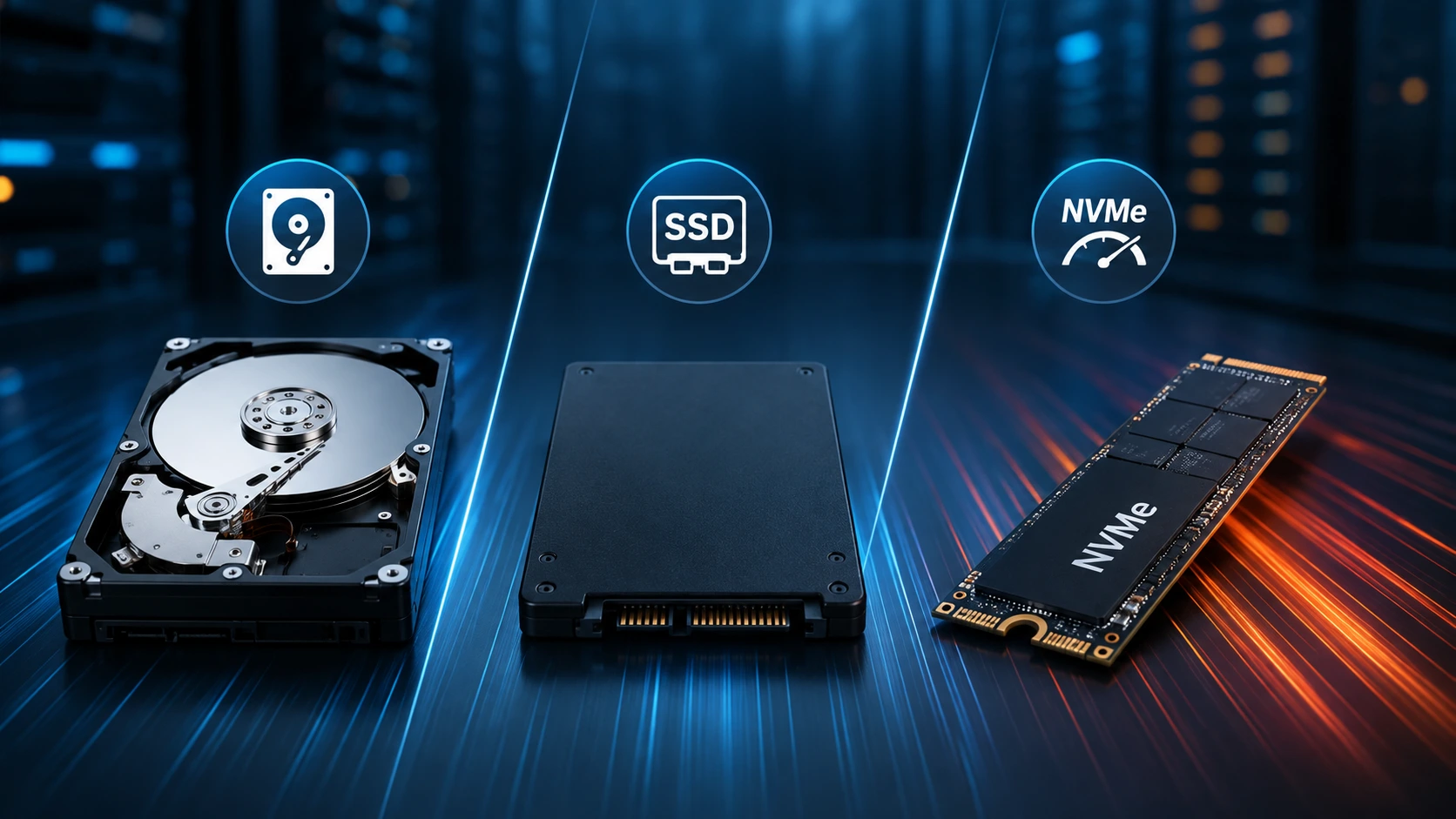
For media storage, large-capacity HDDs (8 TB, 12 TB, 16 TB drives) offer the best cost-per-gigabyte. An SSD or NVMe drive for the operating system and application data significantly improves server responsiveness and metadata loading times.
A practical configuration for a mid-scale media server: one NVMe SSD for OS + app data, plus two or more large HDDs in a RAID configuration for media storage.
Network: The Bandwidth Math
A single 4K HDR stream typically requires 25 - 80 Mbps, depending on bitrate and codec. A 1 Gbps uplink supports:
-
~12 simultaneous uncompressed 4K streams at 80 Mbps
-
~40 simultaneous 1080p streams at 25 Mbps
-
More if hardware transcoding is compressing streams for clients that need it
Most serious media server operators choose unmetered 1 Gbps ports for predictable costs and reliable multi-stream performance.
Setting Up Jellyfin on a Dedicated Server: What to Expect
Running Jellyfin on a dedicated server is more straightforward than many new self-hosters expect. Here is a high-level overview of the process.
Choosing Your Operating System
Jellyfin runs on Linux, Windows, macOS, and Docker. Most experienced self-hosters choose Ubuntu Server LTS or Debian for their dedicated server OS, with Docker as the preferred deployment method for easy updates and clean separation of services.
Installation via Docker (Recommended)
Docker makes Jellyfin installation, updating, and management significantly easier. A basic Docker Compose configuration gets Jellyfin running in minutes. Once deployed, the web-based setup wizard guides you through adding media libraries, configuring transcoding, and creating user accounts.
Configuring Hardware Transcoding
On a dedicated server with Quick Sync or NVENC support, enabling hardware transcoding in Jellyfin's administration panel dramatically reduces CPU load and increases the number of simultaneous streams your server can handle. This is one of the most impactful configuration changes you can make.
Reverse Proxy for Remote Access
Most self-hosters place Jellyfin behind an Nginx or Caddy reverse proxy with automatic SSL via Let's Encrypt. This gives you a clean domain name (e.g., media.yourdomain.com) with HTTPS for secure remote access, no VPN required, though VPN access is also easily configurable.
Integration with the *arr Stack
Pairing Jellyfin with Sonarr (TV), Radarr (movies), Prowlarr (indexers), and Overseerr (request management) creates a fully automated media acquisition and organization pipeline. Your dedicated server handles all of it, downloading, organizing, and making media available through Jellyfin automatically.
Plex on a Dedicated Server: Is It Still Worth It?
Despite its limitations, Plex on a dedicated server is still a viable option, particularly for users who prioritize client app polish, Plex's commercial integrations, or who are migrating an existing Plex library.
Where Plex Still Makes Sense
-
Large existing Plex libraries with established metadata and watch history
-
Users sharing with less technical family members who are familiar with the Plex interface
-
Plex Pass lifetime license holders who have already paid for hardware transcoding access
-
Users who value Plex's live TV and DVR features with a hardware tuner
What You Gain by Moving Plex to a Dedicated Server
Even without switching to Jellyfin, moving your Plex Media Server to a dedicated hosting server eliminates many of its biggest pain points:
-
Removes home ISP upload speed limitations
-
Provides 99.9%+ uptime versus home-server reliability
-
Enables hardware transcoding on server-grade hardware
-
Eliminates router port-forwarding and dynamic DNS headaches
-
Allows you to stop running a home PC 24/7 for media serving
For current Plex users who are not ready to migrate to Jellyfin, moving to a dedicated server is the highest-impact improvement available.
Which Media Server + Server Combination Is Right for You?
Use this decision guide to find the right setup for your situation.
Choose Jellyfin + Dedicated Server if:
-
You want zero subscription costs for full-featured media streaming
-
Privacy is a priority, no external authentication, no data collection
-
You are building a complete self-hosted stack with Sonarr, Radarr, and Overseerr
-
You need to support 5+ simultaneous streams reliably
-
You want hardware transcoding without paying per month for access to it
-
You are comfortable with a one-time setup that runs autonomously
Choose Plex + Dedicated Server if:
-
You already have Plex Pass (lifetime) and an established library
-
Client app polish is important for less technical users in your household
-
You want Plex's live TV and DVR integration
-
You prefer a more commercial product support experience
Choose Jellyfin + VPS if:
-
Your library is smaller (under 2 TB), and simultaneous streams are low (1–3)
-
Budget is a priority, and you are willing to accept some performance limitations
-
You are testing a self-hosted media setup before committing to dedicated hardware
Stay on a Home Server if:
-
You are the only user, and your internet upload speed is sufficient
-
Budget is a primary constraint, and uptime is not critical
-
Your media library is small, and transcoding demand is minimal
Frequently Asked Questions
Is Jellyfin really better than Plex in 2026?
For self-hosters who value privacy, zero subscription costs, and full hardware control, Jellyfin is the stronger choice in 2026. Plex remains competitive for users who prioritize client app polish and are already invested in the Plex ecosystem.
Can I run Jellyfin on the same server as other services?
Yes. Jellyfin running in Docker coexists cleanly with other containerized services like Sonarr, Radarr, Nginx, Nextcloud, and others. A dedicated server with 16 GB of RAM comfortably handles a full self-hosted stack.
How many simultaneous 4K streams can a dedicated server handle?
With hardware transcoding enabled on a server with NVIDIA NVENC support, a mid-range dedicated server can typically handle 4 - 8 simultaneous 4K streams. Without hardware transcoding, the number is significantly lower and depends heavily on CPU performance.
Do I need a GPU in my dedicated server for media transcoding?
Not necessarily. Intel CPUs with Quick Sync, including many Xeon server processors, handle H.264 and H.265 hardware transcoding efficiently without a discrete GPU. If you need AV1 transcoding or very high simultaneous stream counts, an NVIDIA GPU is worth the investment.
Is it legal to self-host a media server?
Hosting a media server for your personally owned media library is legal. The legality of specific content depends on copyright law in your country and how that content was acquired.
How much storage do I need for a media server?
A rough estimate: 1080p movies average 10 - 20 GB each; 4K movies average 40–80 GB each. A library of 500 1080p movies requires approximately 5 - 10 TB of storage. Most dedicated server providers allow you to configure multi-drive setups with 8 TB or larger drives.
What is the best dedicated server configuration for Jellyfin in 2026?
A solid starting configuration: a CPU with Quick Sync or a server with an NVIDIA GPU add-on, 16 GB RAM, a 256 GB NVMe SSD for the OS and application data, and 2–4 large HDDs (8–16 TB each) for media storage, on a 1 Gbps unmetered port.
Final Thoughts: Self-Hosting Is an Infrastructure Decision
The Jellyfin vs. Plex debate is, at its core, a question about control over your software, your data, and your hardware. In 2026, Jellyfin has matured to the point where it is a genuinely superior choice for most self-hosters who want a stable, private, cost-effective media streaming platform.
But the software is only half the equation. Running either platform on the right infrastructure, a dedicated server with enterprise-grade hardware, reliable connectivity, and professional uptime guarantees, is what turns a media server into something you can actually depend on.
At KW Servers, our dedicated server plans are built for exactly this kind of workload: consistent CPU performance for transcoding, high-capacity storage options for large media libraries, and unmetered 1 Gbps ports for smooth multi-stream delivery. If you are ready to move your media server off a home machine or an underpowered VPS, explore our dedicated server configurations designed for self-hosted media and home lab workloads.
The shift to self-hosted, dedicated infrastructure is not just a trend; it is the natural endpoint for anyone who takes media management seriously.