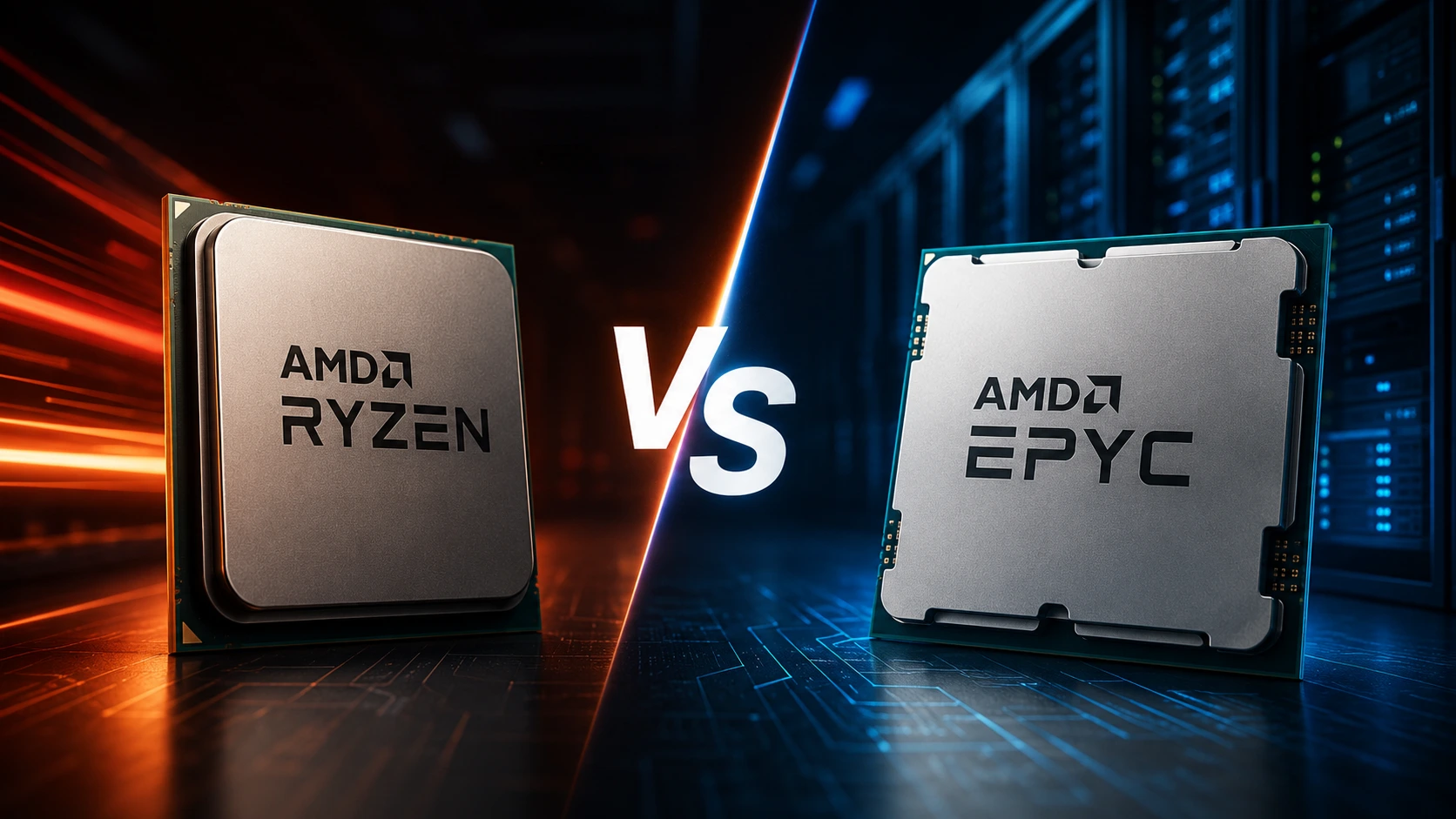
Picking a processor is the single biggest decision you'll make when you rent or buy a dedicated server. It shapes how fast your sites load, how many virtual machines you can pack onto one box, and how much headroom you have as traffic grows. Two AMD server families dominate the conversation right now: AMD Ryzen and AMD EPYC. Both are built on AMD's Zen architecture, yet they're engineered to solve very different problems: Ryzen for speed and responsiveness, EPYC for scale and density.
This guide breaks down exactly where each processor wins, so you can match your dedicated server to your actual workload instead of guessing.
Here's what we'll cover:
-
Dedicated web hosting (WordPress, WooCommerce, Magento)
-
Virtualization with Proxmox, VMware, and Hyper-V
-
Docker and Kubernetes
-
Game server hosting (Minecraft, FiveM, CS2, Rust, ARK)
-
AI and machine learning workloads
-
Database and storage servers
-
Power efficiency, total cost of ownership, and security
AMD Ryzen vs AMD EPYC: Quick Comparison
| Feature | AMD Ryzen | AMD EPYC |
|---|---|---|
| Built for | Desktop-class & dedicated servers | Enterprise data centers |
| Single-core performance | Excellent | Very good |
| Multi-core performance | Good | Outstanding |
| Max core count | Lower (up to ~16 cores) | Much higher (up to 128 cores) |
| Memory capacity | Moderate | Extremely high |
| ECC memory | Varies by board | Full enterprise support |
| PCIe lanes | Fewer | Significantly more |
| Virtualization density | Good for small clusters | Excellent at enterprise scale |
| Power efficiency | Excellent per-core | Excellent per-workload |
| Best for | Websites, game servers, dev boxes | Cloud, VPS, virtualization, AI |
Understanding AMD's Two Server CPU Families
AMD Ryzen: Built for Speed
AMD Ryzen started life as a desktop chip, but its clock speeds and per-core performance
made it a natural fit for dedicated server hosting where individual thread speed matters
more than raw core count. Ryzen processors such as the Ryzen 7 7700X, Ryzen 9 7900,
Ryzen 9 7950X, and Ryzen 9 9950X are common choices for hosting providers targeting
developers, agencies, and gaming communities that want a fast, affordable dedicated
server.
What makes Ryzen stand out:
-
Very high boost clock speeds
-
Excellent single-thread performance
-
Low latency under real-world load
-
Strong performance-per-dollar
-
Efficient power draw for smaller deployments
AMD EPYC: Built for Scale
AMD EPYC was purpose-built for the data center. Instead of chasing clock speed, EPYC
prioritizes core density, memory bandwidth, and the enterprise reliability features that
cloud providers, VPS platforms, and SaaS companies depend on. Modern EPYC chips offer up
to 128 cores, huge L3 cache pools, 8 - 12 memory channels, and enterprise security
extensions like SEV-SNP.
EPYC dedicated servers commonly power cloud and VPS platforms, enterprise hosting companies, Kubernetes and container infrastructure, AI platforms, and financial/government systems.
CPU Architecture: Why Ryzen and EPYC Feel So Different
Both families share AMD's Zen lineage (Zen 4, Zen 4c, Zen 5, Zen 5c), but AMD tunes each one for a different job. Ryzen is optimized for higher boost frequencies, faster response times, and desktop-class responsiveness. EPYC is optimized for parallel processing, memory bandwidth, and sustained enterprise workloads that need to stay stable for months at a time.
That single design choice explains almost everything else in this guide: Ryzen tends to win at latency-sensitive tasks, EPYC tends to win at scale.
Single-Core Performance: Where Ryzen Shines
A surprising number of hosting workloads still lean on single-threaded performance; WordPress, WooCommerce, Magento's admin panel, cPanel, Plesk, and most PHP applications all fall into this category, as do latency-sensitive game servers like Minecraft, FiveM, Rust, and Counter-Strike 2.
Because Ryzen reaches noticeably higher boost frequencies than EPYC, a Ryzen dedicated server typically delivers:
-
Faster page generation and CMS responsiveness
-
Quicker database query execution
-
Faster admin panel and login response times
-
Higher tick rates for game servers
If your customers or applications are sensitive to response time, a Ryzen dedicated server is usually the better user experience.
Multi-Core Performance: Where EPYC Takes Over
Parallel workloads, virtual machines, Docker containers, Kubernetes pods, CI/CD pipelines, and large databases scale with core count, not clock speed. This is EPYC's home turf. An EPYC dedicated server can offer several times more cores than Ryzen, which translates directly into more VPS instances, higher VM density, better container orchestration, and less CPU contention when many tenants share one machine.
If your dedicated server needs to host multiple customers, VMs, or containers at once, EPYC almost always delivers better returns per dollar spent.
Memory and PCIe: The Capacity Gap
Ryzen systems handle moderate amounts of DDR5 memory comfortably, plenty for personal sites, business websites, game servers, and small VPS nodes. Enterprise hosting, on the other hand, often needs hundreds of gigabytes (or terabytes) of RAM with full ECC support, which is squarely EPYC territory thanks to its extra memory channels and bandwidth.
The same pattern holds for PCIe connectivity. Ryzen provides enough lanes for most standard dedicated server builds, but EPYC's much larger PCIe lane count is what makes it possible to run multiple NVMe SSDs, RAID controllers, GPU accelerators, and 25/100GbE networking on a single node, a must for storage servers and virtualization hosts.
AMD Ryzen vs AMD EPYC for Web Hosting
Your customer base should decide this one.
Choose Ryzen for:
-
WordPress and WooCommerce hosting
-
Magento stores
-
Laravel and Node.js applications
-
Small agency and developer hosting
-
Business websites where load speed is a priority
Choose EPYC for:
-
Shared and reseller hosting platforms
-
Cloud hosting companies
-
Multi-tenant environments
-
Large hosting providers serving thousands of sites on shared infrastructure
AMD Ryzen vs AMD EPYC for Virtualization
Both processors support hardware virtualization (AMD-V/SVM, IOMMU), but they serve very different scales of virtualization.
Ryzen for Small Virtualization Hosts
A Ryzen dedicated server is a strong fit for development environments, testing labs,
Windows and Linux VMs, small VPS businesses, and internal company infrastructure,
generally anywhere you're running under 20 VMs and want maximum responsiveness per VM.
EPYC for Enterprise Virtualization
Once you're scaling into hundreds of virtual desktops, large VPS clusters, ERP systems,
or private cloud infrastructure, EPYC's core count, memory capacity, and PCIe headroom
become the deciding factor. More cores mean less contention between VMs during peak
load.
Proxmox
Ryzen is excellent for Proxmox home labs, dev environments, and small hosting
operations. EPYC dominates larger Proxmox deployments, Ceph clusters, live migration,
High Availability setups, and enterprise backup; all benefit from the extra cores and
memory bandwidth.
VMware
Enterprise VMware workloads, Active Directory, Exchange, SQL Server, SAP, and
business-critical databases benefit from EPYC's NUMA optimization, scheduling capacity,
and reduced virtualization overhead. Ryzen remains a solid choice for VMware labs and
proof-of-concept work.
Hyper-V
Ryzen handles a limited number of Windows VMs comfortably. Organizations running
hundreds of Windows servers, large Active Directory environments, or enterprise SQL
Server deployments will see better results on EPYC.
Docker and Kubernetes
Containers are lighter than full VMs, so CPU choice matters just as much, arguably more,
since density is the whole point. Ryzen performs well for web applications, CI/CD
pipelines, development environments, API hosting, and microservices, thanks to its
higher clock speed and responsiveness. EPYC is the better choice for large-scale
container platforms, SaaS providers, cloud hosting companies, streaming platforms, and
AI services, where thousands of containers need to run simultaneously. The same logic
carries over to Kubernetes: Ryzen is well suited to development clusters, small
production deployments, and internal DevOps teams, while EPYC is the standard for large,
high-availability, multi-node Kubernetes clusters.
Database Performance
Ryzen is a strong fit for databases that prioritize low latency and fast transaction processing at moderate scale, think WordPress databases, WooCommerce stores, Laravel apps, and small SaaS platforms.
EPYC takes over once databases need large RAM capacity, parallel processing, multiple storage devices, and high availability; ERP systems, financial databases, healthcare platforms, and large analytics systems all lean on EPYC's architecture.
Storage Servers
Storage platforms built on NVMe SSDs, RAID, Ceph, MinIO, or ZFS depend heavily on PCIe lane availability. Because EPYC supports far more PCIe lanes than Ryzen, it enables more NVMe drives, faster RAID controllers, and high-speed networking on a single server, making it the go-to choice for storage-intensive environments.
AI and Machine Learning Workloads
GPUs handle most of the heavy computation in AI workloads, but the CPU still manages data preprocessing, scheduling, storage, memory, networking, and container orchestration. EPYC is generally preferred for AI infrastructure because of its larger memory capacity, more PCIe Gen5 lanes for multi-GPU setups, and better workload scaling. Ryzen remains a capable, cost-effective option for developers running smaller AI projects or local inference.
Cloud Hosting Infrastructure
Public cloud and large-scale hosting platforms need to serve thousands of customers at once, which is why EPYC has become a common foundation for cloud provider infrastructure; it increases VM density, reduces operational costs, and improves resource utilization at scale.
Reliability, Security, and Enterprise Features
EPYC's enterprise feature set includes advanced security technologies such as Secure Memory Encryption (SME), Secure Encrypted Virtualization (SEV), SEV-ES, and, on supported generations, SEV-SNP, features that help isolate VMs and strengthen protection in multi-tenant environments. EPYC also supports ECC memory and long product lifecycles built for continuous uptime. Ryzen supports modern security features too, but EPYC's stack is purpose-built for large-scale, mission-critical infrastructure.
AMD Ryzen vs AMD EPYC for Game Servers
Game hosting is one of the fastest-growing dedicated server use cases, and it leans heavily on single-core performance, cache speed, and low latency, Ryzen's strong suit. EPYC becomes more relevant when you're hosting many game server instances for many customers on one machine.
-
Minecraft: Server logic runs largely on a single thread (chunk generation, redstone, mob AI, plugins), so Ryzen typically delivers better tick rates and TPS for individual or small numbers of servers. EPYC makes more sense for hosting companies running many Minecraft instances at once.
-
FiveM: Custom scripts, large player counts, and economy systems benefit from Ryzen's high-frequency cores. Providers running dozens of FiveM servers on one machine may lean toward EPYC for density.
-
Counter-Strike 2: Competitive, tick-rate-sensitive FPS titles favor Ryzen's higher boost clocks and lower latency.
-
Rust: Smaller communities perform best on Ryzen; large commercial providers hosting many Rust servers often prefer EPYC for scalability.
-
ARK: Survival Ascended: Ryzen excels for individual high-performance servers; EPYC is better when running multiple ARK servers simultaneously.
-
Valheim, Palworld, and other survival titles: These generally favor Ryzen's fast single-thread performance and low memory latency.
Power Efficiency and Total Cost of Ownership (TCO)
Ryzen draws less power overall and is ideal for smaller deployments seeking high performance without high energy costs. EPYC consumes more power per server but consolidates far more workload onto that single server — often replacing two or three smaller machines — which reduces rack space, cooling, networking equipment, and management overhead.
-
Ryzen TCO: lower upfront and monthly cost, strong return for developers, agencies, gamers, and small businesses.
-
EPYC TCO: higher upfront cost, but lower cost per VM and better long-term scalability for enterprise environments.
Best Dedicated Server CPU by Workload
| Workload | Recommended Processor |
|---|---|
| WordPress Hosting | AMD Ryzen |
| WooCommerce | AMD Ryzen |
| Shared Hosting | AMD EPYC |
| VPS Hosting | AMD EPYC |
| Reseller Hosting | AMD EPYC |
| Proxmox | AMD EPYC (large) / AMD Ryzen (small/lab) |
| VMware | AMD EPYC |
| Hyper-V | AMD EPYC |
| Docker | AMD Ryzen (small) / AMD EPYC (large) |
| Kubernetes | AMD EPYC |
| MySQL / MariaDB | AMD Ryzen (small) / AMD EPYC (large) |
| PostgreSQL | AMD EPYC |
| AI Servers | AMD EPYC |
| Storage Servers | AMD EPYC |
| Game Servers | AMD Ryzen (small) / AMD EPYC (multi-tenant) |
| Development Server | AMD Ryzen |
Frequently Asked Questions
Is AMD Ryzen good for dedicated servers?
Yes. Ryzen offers excellent performance for web hosting, WordPress, WooCommerce, application hosting, development environments, and game servers, thanks to its high clock speeds and strong single-core performance.
Is AMD EPYC better than Ryzen?
Not universally — it depends on the workload. EPYC is superior for virtualization, cloud hosting, Kubernetes, large databases, AI workloads, and enterprise infrastructure. Ryzen is often the better choice for websites and game servers that depend on high clock speeds.
Which CPU is best for VPS hosting?
AMD EPYC is generally preferred because it supports more virtual machines, larger memory configurations, and higher workload density per server.
Which CPU is better for Minecraft hosting?
For a single server or a small number of high-performance instances, Ryzen typically delivers better tick rates. For hosting many Minecraft servers on one machine, EPYC becomes more cost-efficient.
Which processor is best for web hosting?
Ryzen is an excellent choice for individual websites and business hosting. For shared hosting platforms serving thousands of accounts, EPYC usually offers better scalability.
Which processor should I choose for virtualization?
For a small lab or a handful of VMs, Ryzen is more than capable. For enterprise virtualization on Proxmox, VMware, or Hyper-V, EPYC is the recommended platform.
Final Verdict
There's no single "best" processor — only the one that matches your workload. Choose AMD Ryzen when your priority is raw speed: fast websites, responsive applications, and low-latency game servers, all at an attractive price point. Choose AMD EPYC when your priority is scale: virtualization clusters, cloud infrastructure, Kubernetes, enterprise databases, and AI workloads that need room to grow.
At KW Servers, we offer both AMD Ryzen dedicated servers and AMD EPYC dedicated servers, built for web hosting, virtualization, cloud computing, databases, AI workloads, and game server hosting. Explore our AMD Ryzen dedicated server plans or AMD EPYC dedicated server plans to find the right fit for your infrastructure, wherever you're located.